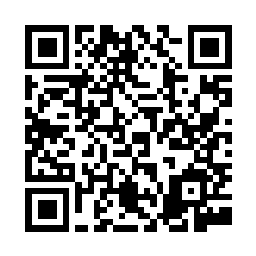
Scan the code or tap the button below
After tapping the button or scanning the QR code, you'll be taken to our Spruce profile page. Follow these steps to connect with us:
1. Scroll to the bottom and tap "Connect"
2. Download the Spruce app from the App Store or Google Play
3. Open the app and tap "Continue" to confirm you're connecting with Aegis Behavioral Health Group
4. Tap "Create a new account"
5. Enter your phone number and email to set up your account
1. At the top of the page, click the blue "Connect with Aegis Behavioral Health Group LLC" button
2. Click "Get Started"
3. Create your account with your phone number and email
4. Download the Spruce app on your phone to message us
